
Deadlock is Valve’s third-person MOBA shooter, and it can feel overwhelming at first — it blends the lanes and souls of a MOBA with the aiming of a shooter. This beginner’s guide covers how to get access, the core rules, and the first things every new player should learn to stop feeding and start winning.
Here’s how to get into Deadlock, how a match works, and the beginner tips that matter most.
How to get access
Deadlock is still invite-only and has no release date, so you can’t just buy it yet. There are two ways in: get a Steam friend invite from someone who already plays, or sign up for the beta waitlist on the Deadlock store page. Valve sends out batches of invites regularly, prioritising accounts with active play histories on its other games — you generally need to have played at least one Valve-published title (Counter-Strike 2, Dota 2 or Half-Life) for a few hours. Once you’re in, you can invite your own friends.
The basics
A match is two teams of six fighting across a map with three lanes. AI troopers march down each lane, and killing troopers, enemies and neutral camps earns souls — Deadlock’s single currency. You spend souls on items that boost your weapon, vitality and spirit (ability) power. The goal is to push through the lanes, destroy the enemy’s guardians and towers, and finally kill their Patron, the giant boss that ends the game. Three ziplines from your base fast-travel you to each lane, which are colour-coded so you always know where you are.
Beginner tips
Focus on these first and you’ll climb fast.
| Tip | Why it matters |
|---|---|
| Last-hit and deny souls | Securing soul orbs reliably is the core of the laning phase |
| Buy items every trip to base | Souls are useless in the bank — power spikes win fights |
| Use the parry | Parrying melee attacks punishes aggressive enemies |
| Play a forgiving hero | Start with a durable or simple hero while you learn |
| Don’t overchase | Dying feeds souls to the enemy — farm and reset instead |
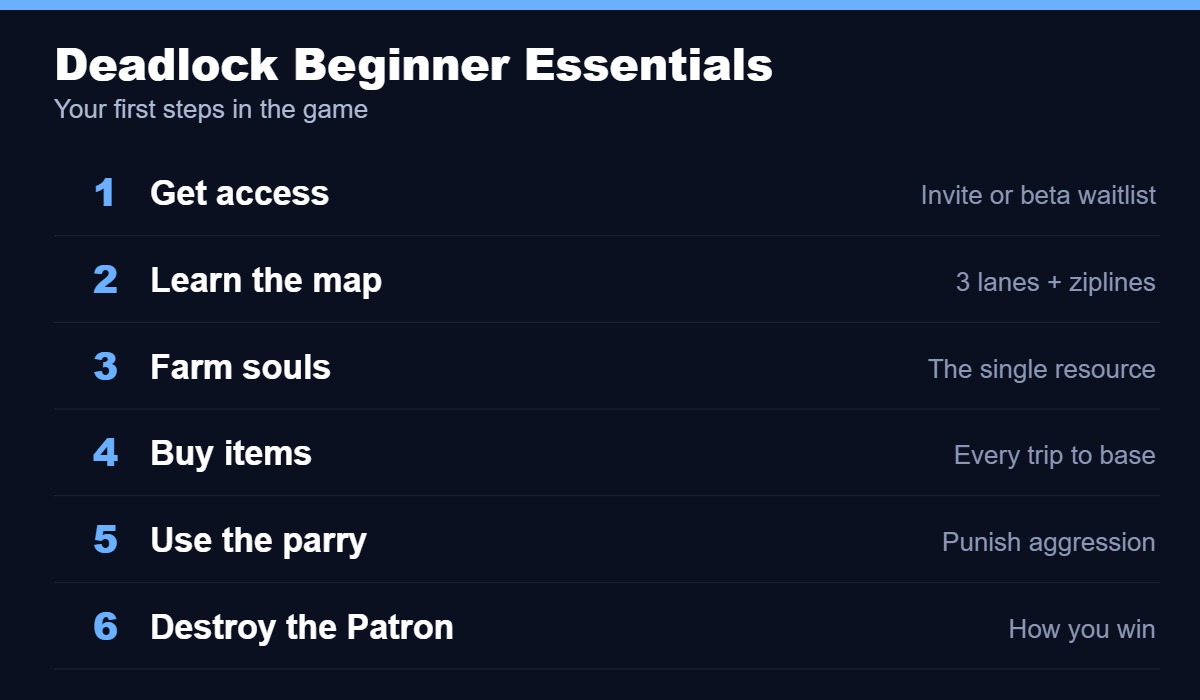
Where to learn
Deadlock has a built-in “Learn to Play” section in the main menu with three modes: “Get Started” teaches MOBA fundamentals, “Hero Training” lets you practise a specific hero, and “Lane Training” walks you through the laning phase. Run these before your first real match — they’re the fastest way to understand souls, items and the map. After that, play a forgiving hero, focus on farming cleanly, and buy items on every trip back to base.