
Hide
The best Fortnite settings prioritise three things: a high, stable frame rate, a sensitivity you can control, and fast, reliable building and editing binds. Turn on Performance Mode for FPS, dial your sensitivity to something you can flick and track with, and set edit binds you can hit without thinking.
Here are the best Fortnite settings to use, how to tune them, and what to prioritise for your setup.
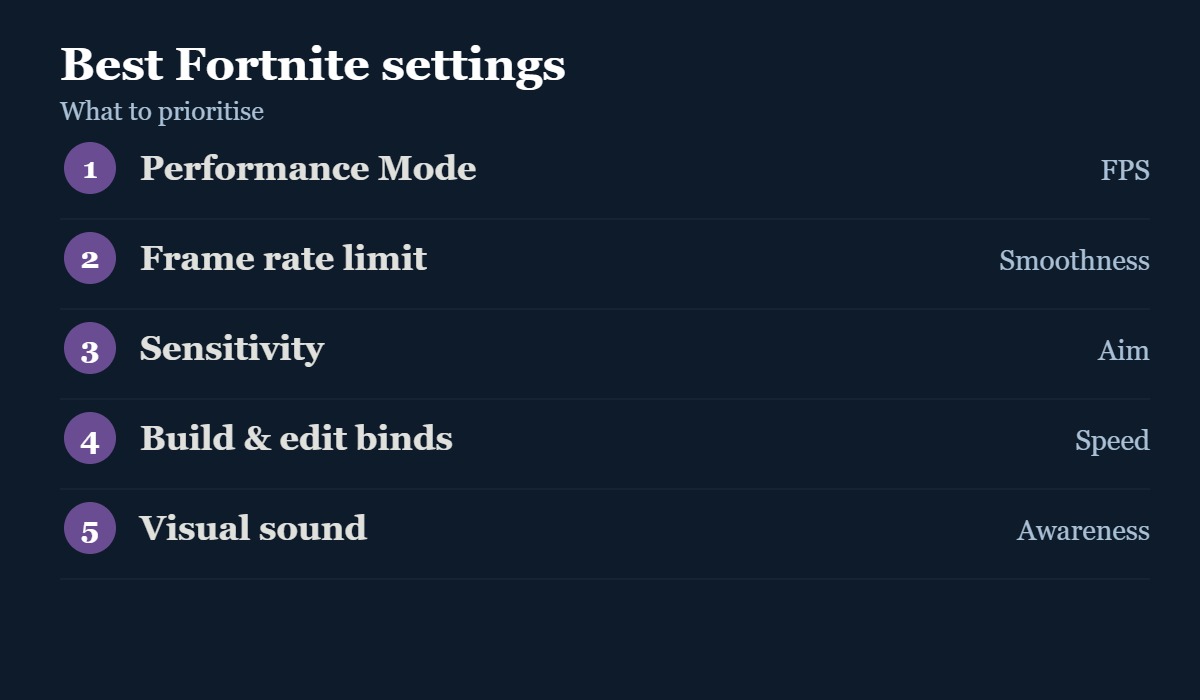
Best Fortnite settings
The settings that matter most, and what to do with each.
| Setting | What to do |
|---|---|
| Performance Mode | Turn on for the highest, most stable FPS |
| Frame rate limit | Match or exceed your monitor’s refresh rate |
| Sensitivity | Lower it until you can track and flick cleanly |
| Build & edit binds | Set keys or buttons you can hit instantly |
| Edit hold time | Lower it for faster edits |
| Audio | Turn on visualised sound effects for footsteps |
How to tune your settings
Fortnite is as much about building and editing as aiming, so your settings should make both fast and consistent. Start with performance: turn on Performance Mode and set a frame-rate limit that matches your monitor — smooth, high FPS helps everything else. Next, lower your sensitivity until you can both flick onto close targets and track moving ones without overshooting; most players go too high. Then set build and edit binds you can reach without moving your fingers off movement keys, and lower the edit hold time for snappier edits. Finally, turn on visualised sound effects so you can see footsteps and chests. Tweak one thing at a time and give each change a few games.
The key settings explained
Four settings that make the biggest difference.
#1
Aim
Speed
Info
More Fortnite? See our best Fortnite weapons, best landing spots and how to get XP fast.
Settings by goal
What to focus on depending on what you want.
| Your goal | Focus on |
|---|---|
| Smoother gameplay | Performance Mode and frame-rate limit |
| Better aim | Lower, controllable sensitivity |
| Faster building | Build and edit binds + edit hold time |
| More awareness | Visualised sound effects |
Fortnite settings FAQ
Fortnite’s settings menu changes over time. This guide covers the principles that stay useful across updates, current as of October 2026.