

Hide
Deadlock is free to play during its closed beta — but only if you have an invite. The game is still invite-only, and the main way in is a Steam friend invite sent from inside the game. Valve hasn’t set final pricing, though most expect a free-to-play model at full release.
Here is how Deadlock access works — whether it’s free, how the invite system works, and the ways to get in.
Is Deadlock free & how to get access
The key facts on cost and access.
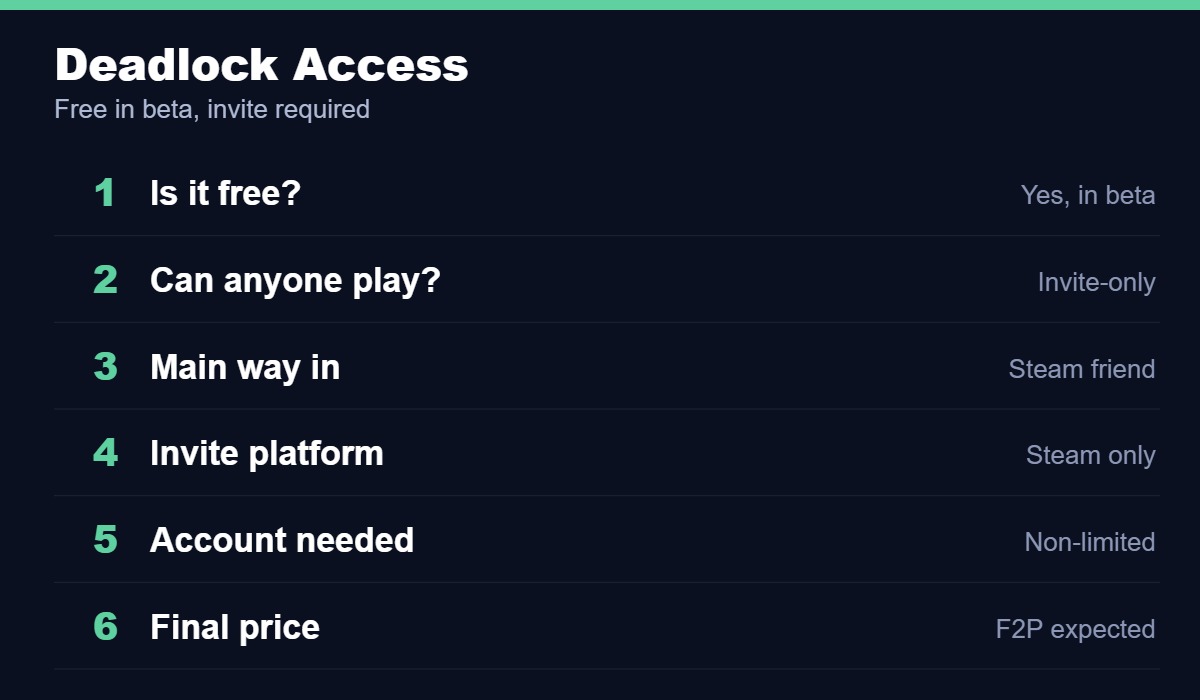
| Question | Answer |
|---|---|
| Is it free? | Yes, free during the closed beta (with an invite) |
| Can anyone play? | No — it’s invite-only |
| Main way in | A Steam friend invite from inside the game |
| Invite platform | Sent and received through Steam only |
| Account needed | A non-limited Steam account |
| Final price | Not confirmed; free-to-play widely expected |
How the friend-invite system works
Deadlock is still an invite-only closed beta, so you can’t just buy or download it. The primary way in is a Steam friend invite: someone who already has access sends you a Steam Playtest invite from inside the game, and it arrives through the Steam app — usually within about 20 minutes to 3 hours. A few requirements apply: you need a non-limited Steam account (accounts with no purchases can’t receive invites), and you must already be Steam friends with the person inviting you, since strangers can’t invite you until a friend request is accepted. Once you’re in, access stays on your account.
Ways to get an invite
Four routes into the Deadlock beta.
Best way
Community
Community
Extra
Once you’re in, see our Deadlock beginner’s guide, best beginner heroes and what is Deadlock guides.
Quick access checklist
What to sort before you can play.
| Step | What to do |
|---|---|
| 1 | Have a non-limited Steam account |
| 2 | Add a friend who already has access |
| 3 | Ask them to send an invite from in-game |
| 4 | Accept the Steam Playtest invite when it arrives |
Deadlock access FAQ
Deadlock is in active development and still invite-only. Access rules and pricing may change — we update this guide as Valve shares more.